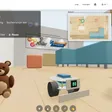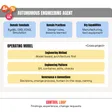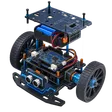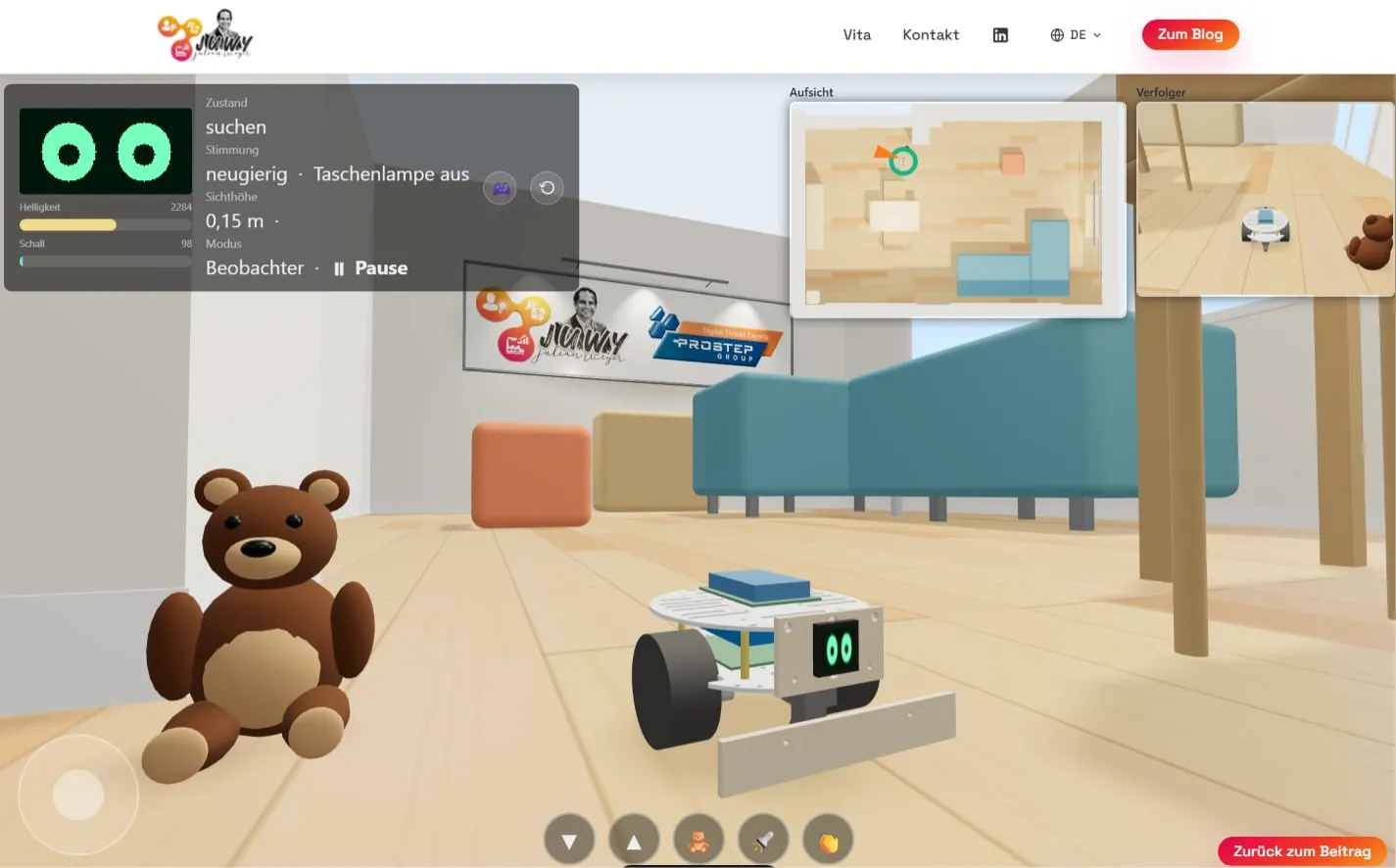

My engineering agent is doing a great job. The little robot pet is taking shape. The project includes a simulation environment with real firmware and physics – which the agent also built autonomously.
Even in the first iteration, my AI helper ran various studies on its own – for example, how well and how quickly the robot design finds a safe hiding place in our virtual living room (because it is a little shy at times).
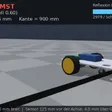
The simulations normally run “headless”, meaning only as data and numbers. There is nothing a human can look at. But I wanted to. So I sent the agent on an extra round and had it render videos of the experiments. And since we were at it, I had it build a browser demo as well.
As I said, the little creature is shy: it makes a run for it when you shine a light on it or make loud noises —> and that is exactly what I (and you, too) can now try out in the browser simulation. The key point: the simulation is based on the original firmware and calculates with real physics. Simplified, of course, like any simulation – and whether those are the right simplifications will become clear once I have built the robot.
But I am already convinced: seeing is understanding. And there is something we humans have over AI in many (not all) cases: we can often tell at a glance whether what we see is plausible and can be right.